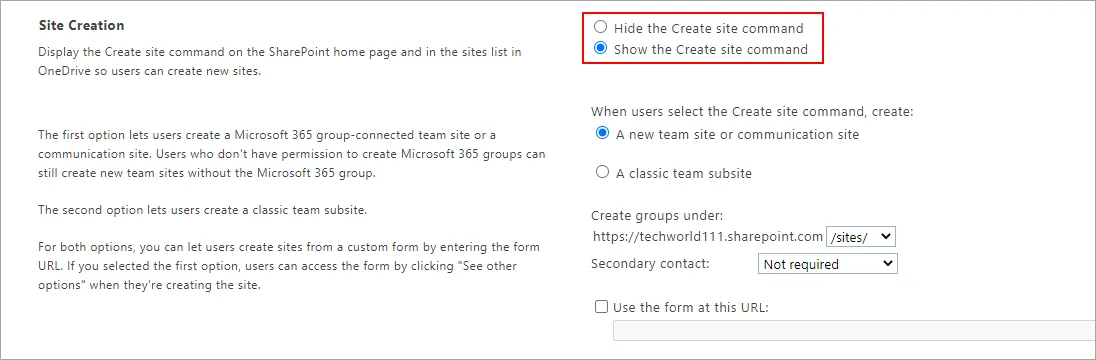


Enable site and subsite creation
The generation of subsites across all sites can be enabled, disabled for classic sites only by administrators in the SharePoint admin center. When subsite creation is disabled, users won't be able to directly create new subsites through a URL or API, and the subsite option will be hidden from the command bar including classic.
- Login to Office 365 Admin Center.
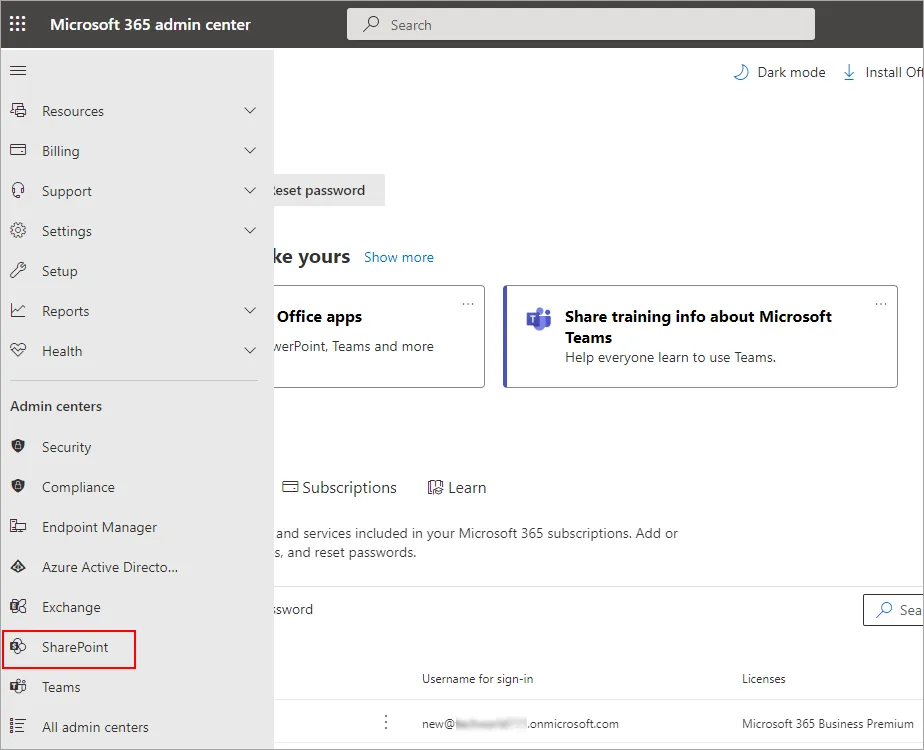
- Navigate to ‘SharePoint’ in the left panel
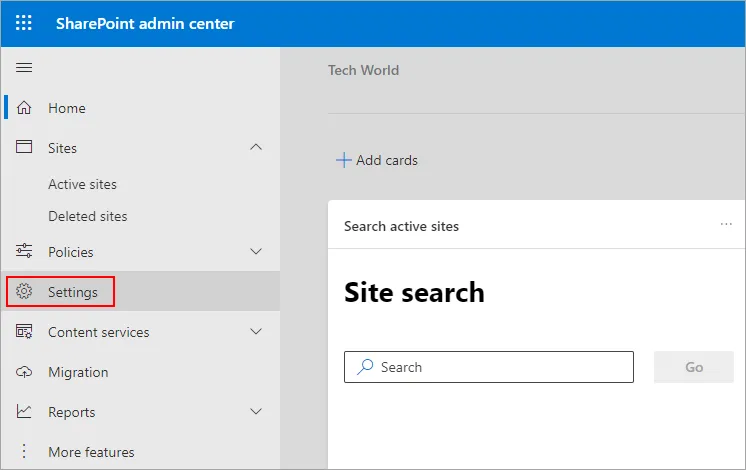
- Click the ‘Settings’ in the left panel of the SharePoint admin center
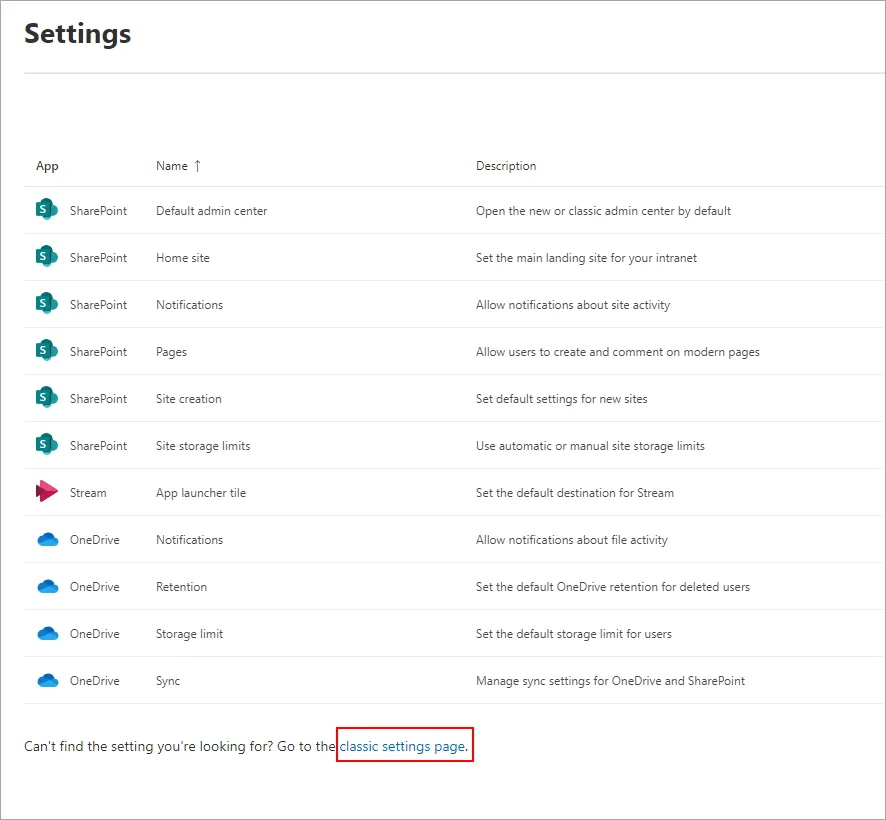
- Click the link ‘classic settings page’ as shown in the below screenshot
- In the ‘Subsite Creation’ section, select the ‘Enable subsite creation for all sites’ option and click ‘OK’
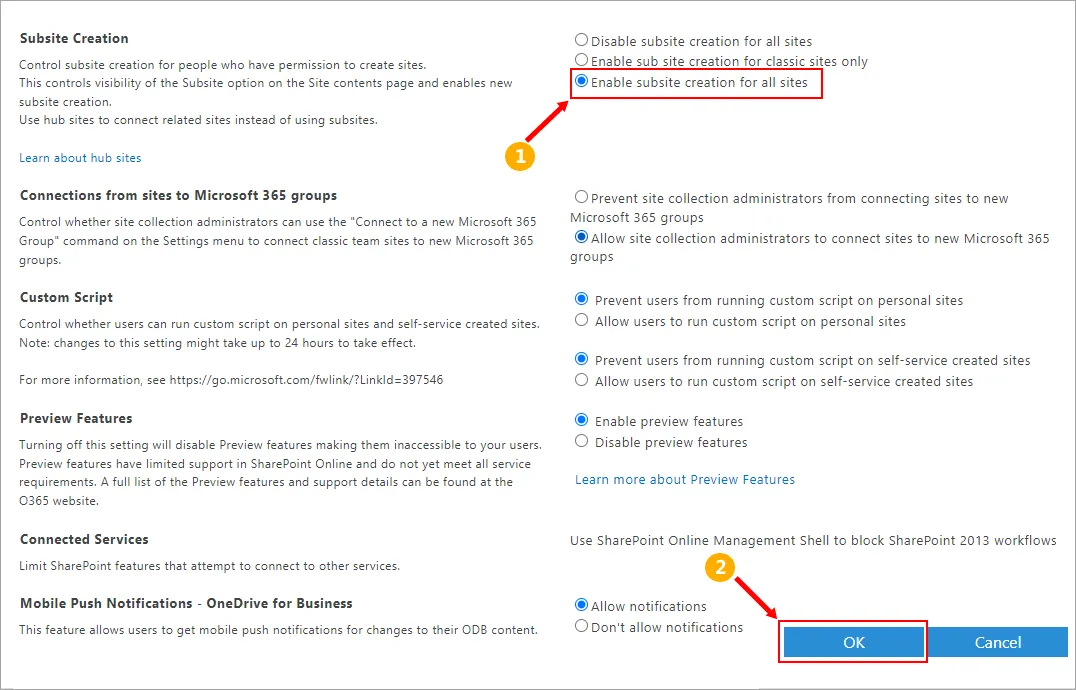
- In the ‘Site Creation’ section, select the required option and click ‘OK’