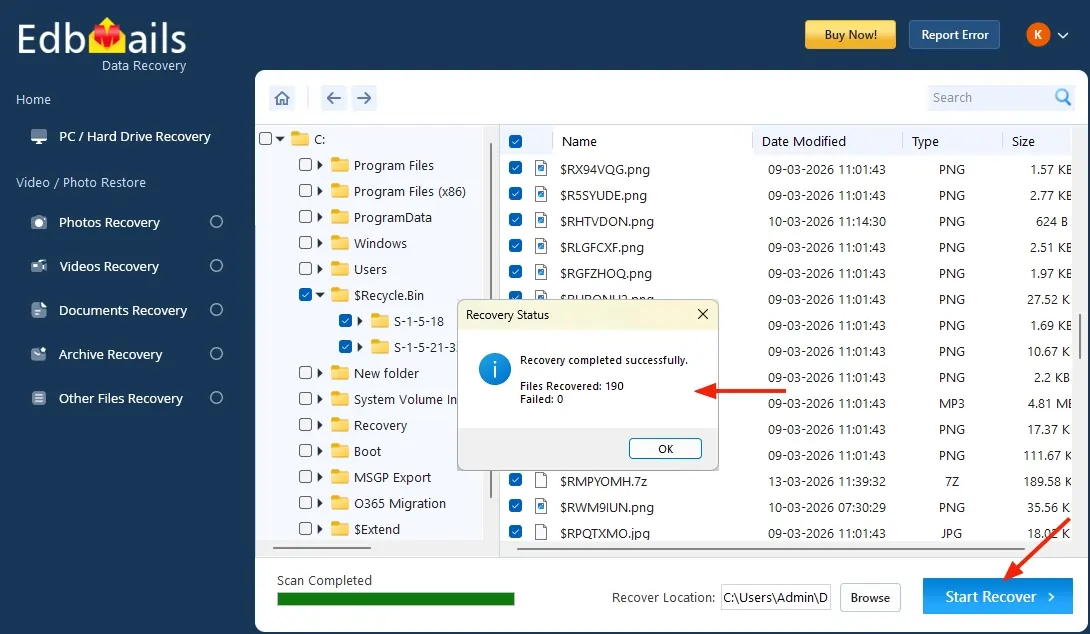


Recycle Bin Recovery Screenshots
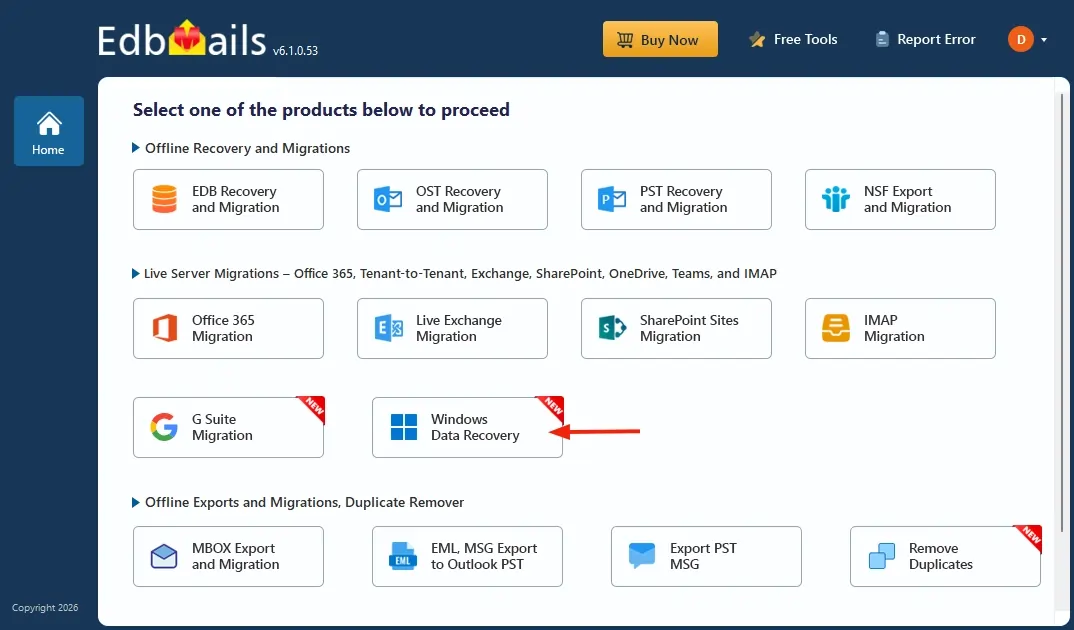
Select ‘Windows Data Recovery’ option
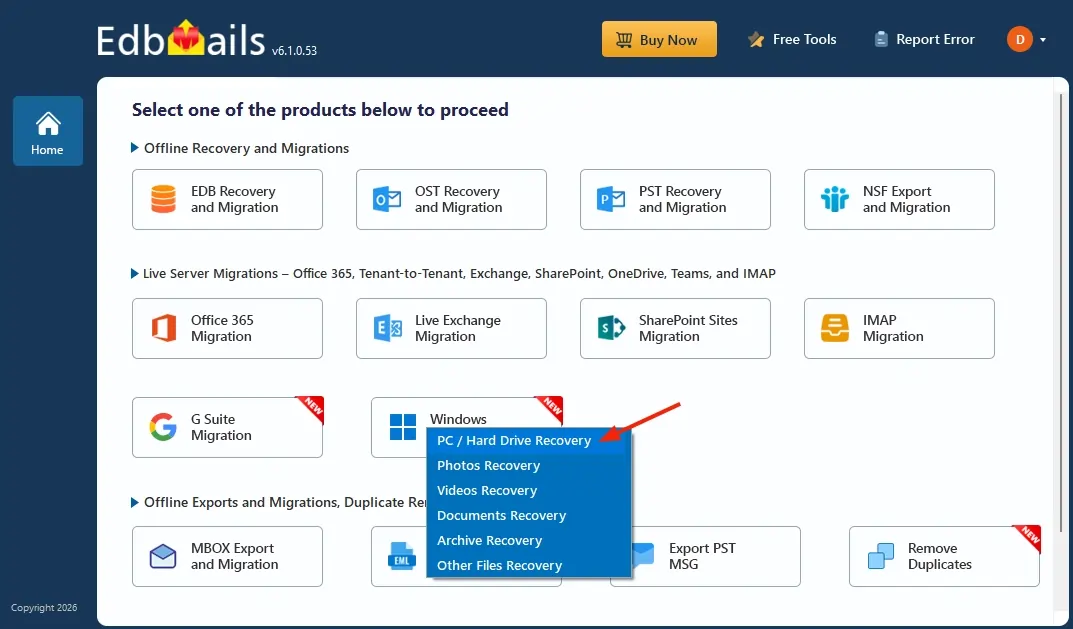
Select the ‘PC / Hard Drive Recovery’ option.
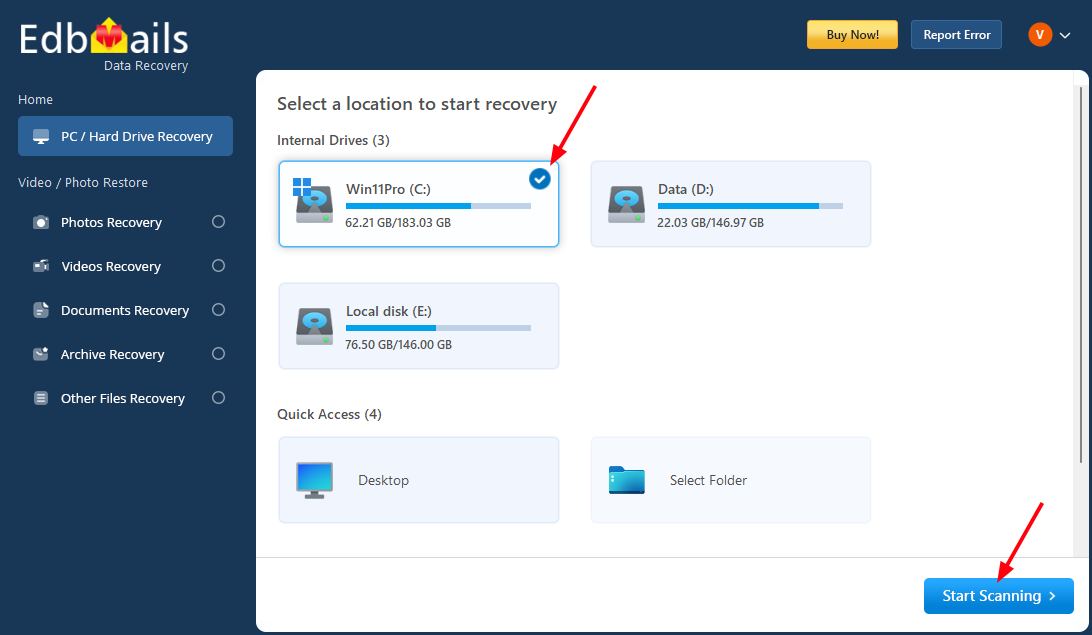
Click ‘Start Scanning’ button.
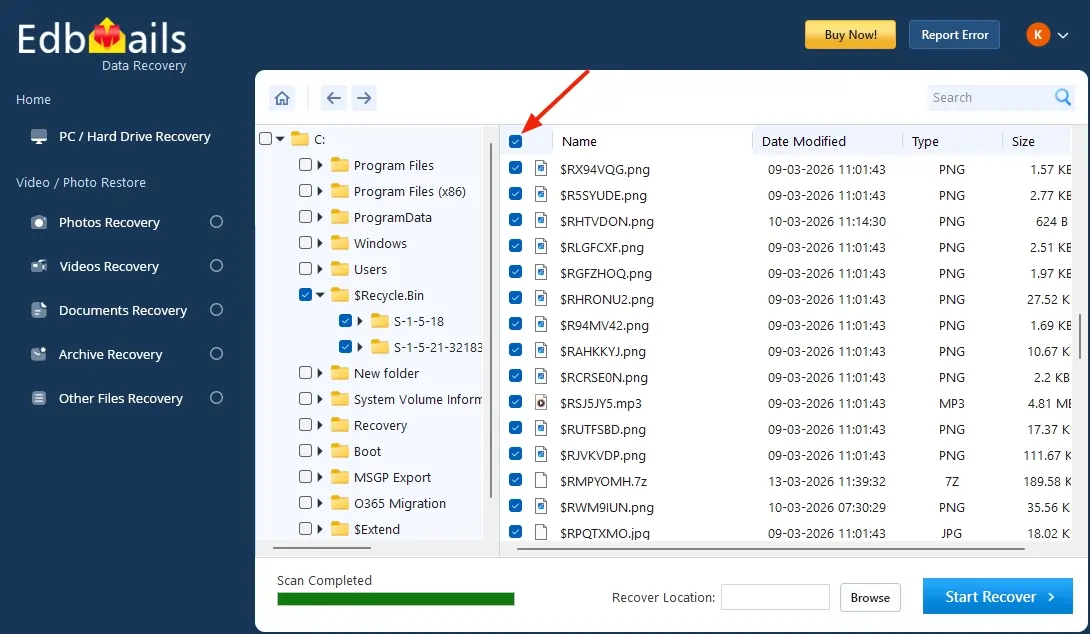
Select the files/folders want to recover
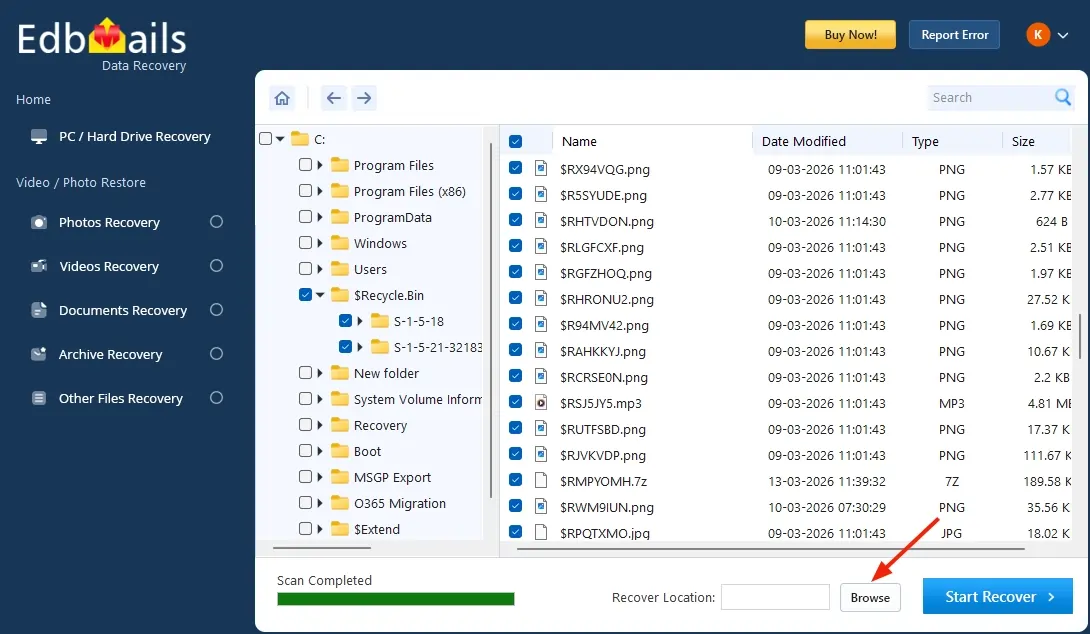
Click ‘Browse’ button
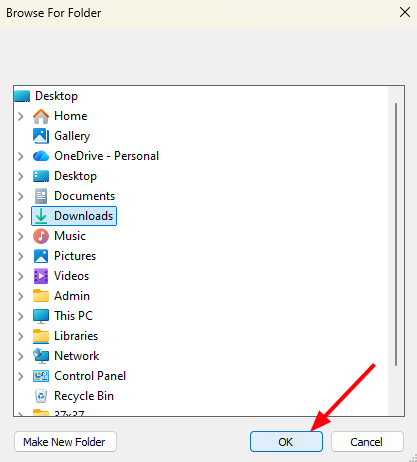
Choose desired location and click ‘OK’.
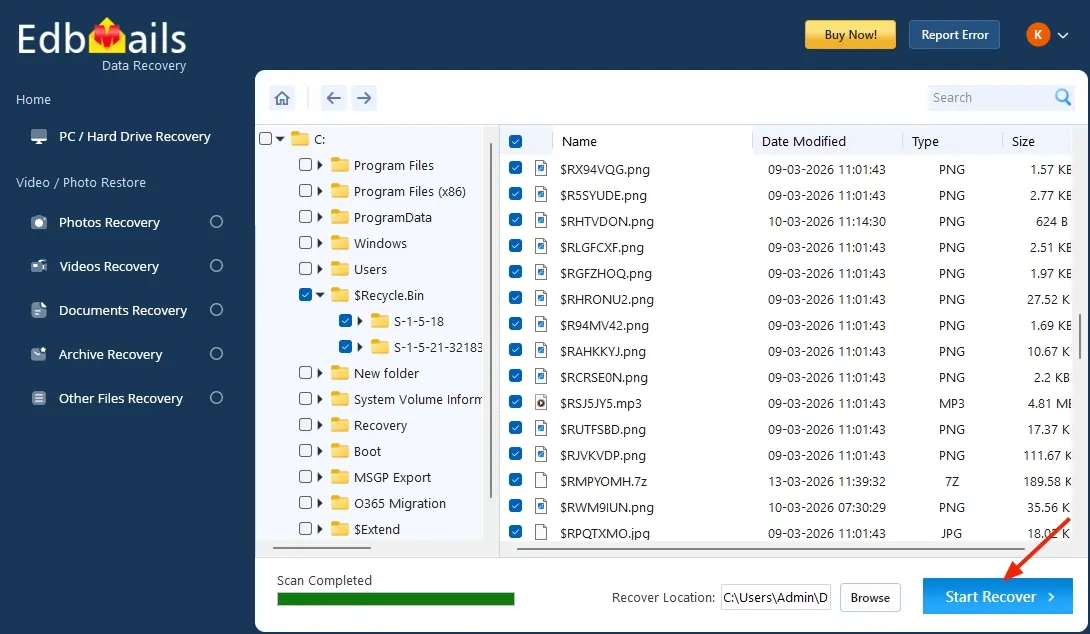
Click ‘Start Recover’ button.
Recovery complete → items displayed.