


5 Ways to Rebuild an OST File in Outlook (2019, 2016, 2013, 2010)
Outlook stores a local, offline copy of your mailbox — emails, contacts, calendar entries, and attachments — in an OST (Offline Storage Table) file. This lets you keep working even without an internet connection; any changes you make sync back to the server once you're reconnected. Outlook creates this file automatically when your account is set up with Exchange, Office 365, or an IMAP server.
When the OST file becomes damaged or unreadable, Outlook can start throwing sync errors, freezing, or failing to open the mailbox altogether. Rebuilding the file is the standard fix, but it comes with a catch: rebuilding only restores what's already on the mail server. Anything that existed only in the local OST and hadn't synced yet is gone for good unless you recover it first.
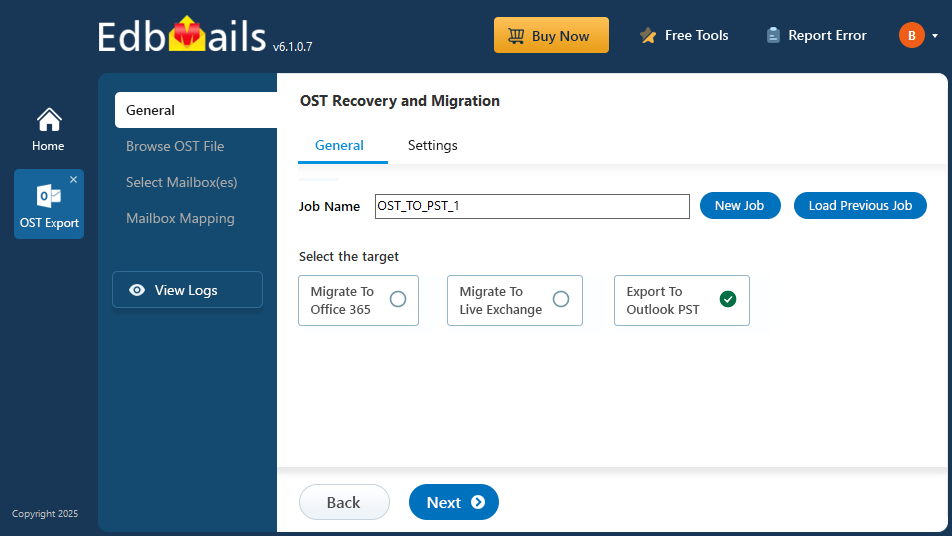
This guide covers what typically causes OST corruption, five ways to rebuild or repair the file in Outlook 2019, 2016, 2013, and 2010 — from lightest-touch to most thorough — and how to recover data from a damaged OST file before rebuilding, using EdbMails OST to PST Converter, so you don't lose anything in the process.
Common Causes of OST File Corruption
A few conditions account for most OST corruption and access issues:
- Oversized OST file — once an OST file grows very large, Outlook can struggle to manage it, leading to slowdowns, instability, or corruption. Splitting the file into multiple PST files is a common fix.
- Virus or malware infection — malware can alter the OST file's internal structure, making it unreadable and breaking synchronization.
- Sudden power failure or forced shutdown — if the system shuts down while Outlook is syncing the OST file, the file can be left in a corrupted state.
- Network connectivity issues — an unstable or interrupted connection to the Exchange server during synchronization can corrupt the file.
- Storage device issues — bad sectors or hardware faults on the drive where the OST file is stored can damage it.
- Outlook software issues — outdated Outlook builds, software bugs, or incompatible/faulty add-ins can also trigger OST corruption or sync failures.


